Pimoroni Badgeware Tufty
The Pimoroni Badgeware Tufty proffers a low-barrier event badge, desktop companion, DIY gaming console, and MicroPython learning platform all in one polished polycarbonate package.
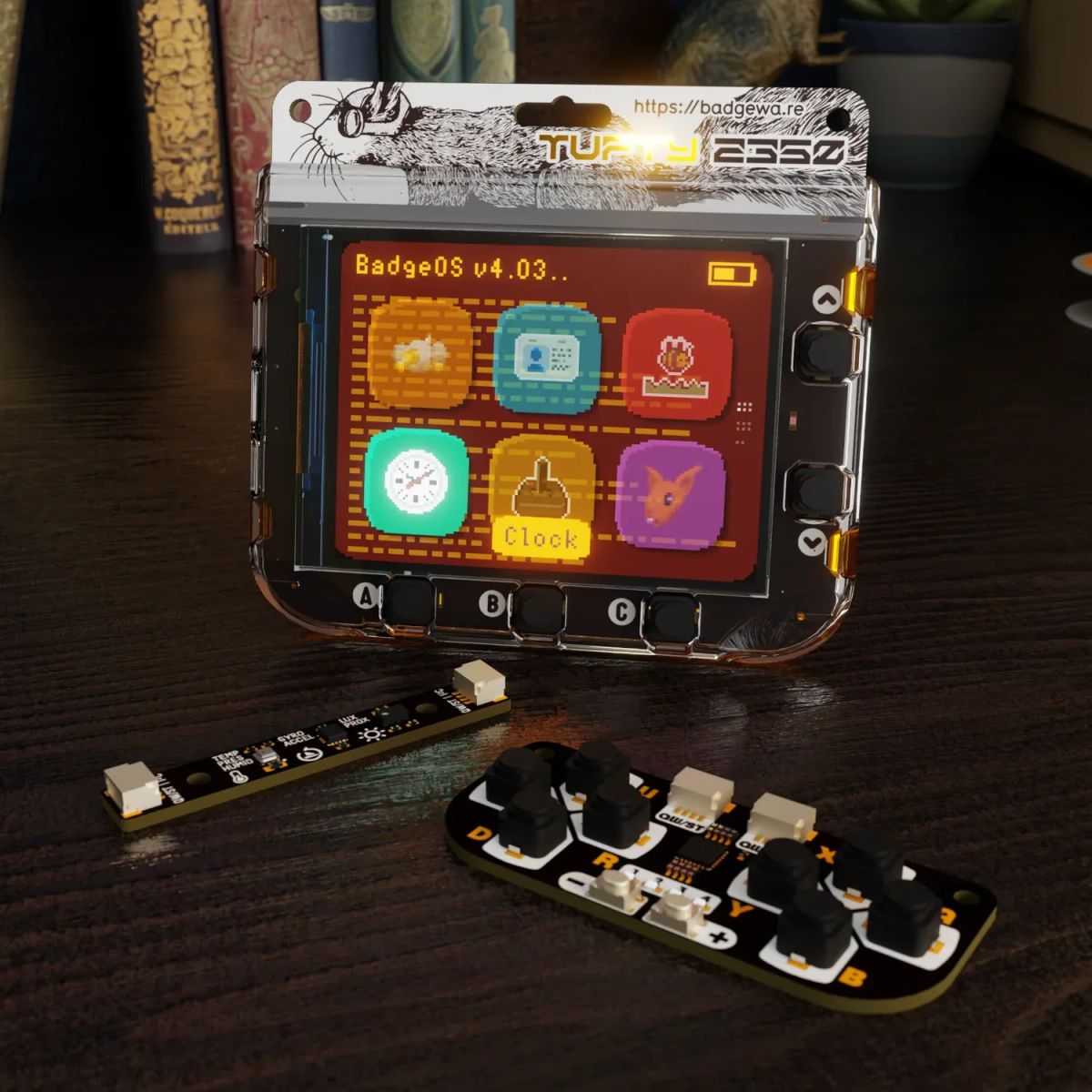
The current badgelife scene is the product of two decades of evolution, transforming the humble conference badge into an inventive, often uniquely functional piece of electronic art. It has escaped the secretive realm of elite hardware hackers and inspired countless badges at all manner of events, as well as a VICE article, and even a short documentary by the wonderful Sophi Kravitz. These elaborate devices often take months of planning, engineering, production, and testing before they are ready for deployment at an event, so what are smaller or less technically savvy events that want a fun, interactive experience for their attendees to do? The Badgeware line from Pimoroni is a polished, “consumer-ready” trio of devices that might be ordered by the thousands by organizers looking to sprinkle a little badgelife over their event. Pimoroni co-founder Paul Beech generously sent me all three Badgeware devices: the brilliant bright-white-LED-matrix-bearing Blinky, the power-sipping ePaper-encompassing Badger, and the 2.8" TFT-toting Tufty. Display aside, the threesome share a common feature set, so I’m going to focus on the full-colour LCD-laden Tufty for this review.

see my unboxing and etymology theories in the latest episode of DAY//GLOW!
Focusing first on the commonalities, the British Badgeware bunch are each powered by their compatriot’s chip, the dual-core Raspberry Pi RP2350. Taking advantage of the RP2350’s PSRAM support, Pimoroni augment the 520 KB on-chip SRAM with a further 8MB of pseudo-static RAM. 16MB of QSPI Flash provides plenty of non-volatile storage. Raspberry Pi’s RM2 (Radio Module 2) adds 2.4 GHz single-band Wi-Fi 4 (802.11n) and Bluetooth 5.2 support. A 1000mAh LiPo battery with integrated charging and protection keeps the fun going for up to twelve hours, with 100 days of standby.

One interesting element of Badgeware is the incorporation of the PCF85063A real-time clock (RTC), allowing the device to function as a clock (time is set via Wi-Fi) and resume from sleep mode. Five user buttons on the front and reset/sleep plus home/boot buttons around back provide input. Navigating via up/down/left/right is not as intuitive as a touchscreen, but is necessitated by the injection-moulded polycarbonate case, and would make less sense on the other screen variants, so is an understandable design choice. I particularly enjoy the rear-facing LED “case lighting” as another chance for interactivity (for example, being used to emphasize taking damage in a game by flashing when the player is hit). In addition to USB-C for charging and programming, there is a Qwiic/STEMMA QT I2C connector and SWD debug. The Qwiic connector is employed to great effect in the Badge + STEM Kit, which adds a tiny game controller and temperature/motion/proximity sensing for about $20 (although this results in a chain of PCBs dangling from your neck if you’re using the device as a badge!).
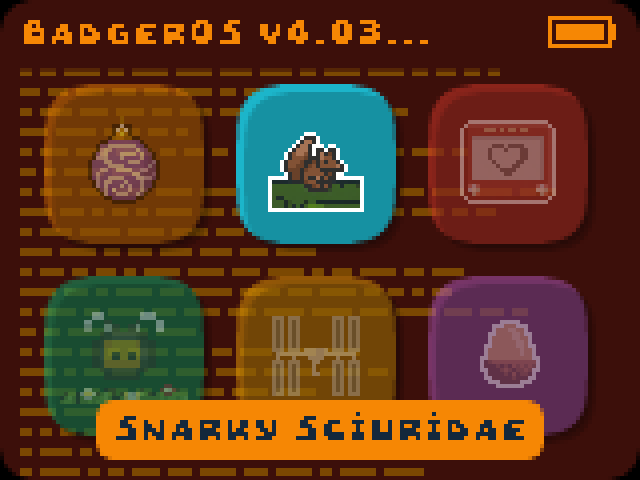
Differentiating Tufty from the rest of the menagerie is its 2.8” TFT (get it? TuFTy?) IPS LCD. At 320×240 pixels, the pixels-per-inch are about a third of what you may be used to on your smartphone, giving Tufty a chunky, retro vibe. The included demos range from impressively entertaining games to a handy Pomodoro timer to a graphical badge that displays your name, title, and photo or avatar, with a second page for social media details. A graphical demo app really shows off the capabilities of the display and associated graphics libraries, with anti-aliased vector shapes, sprite transformations, and even 3D raycasting. A Tufty-exclusive phototransistor allows the incorporation of light levels into your code, enabling, for example, smart backlight adjustment.
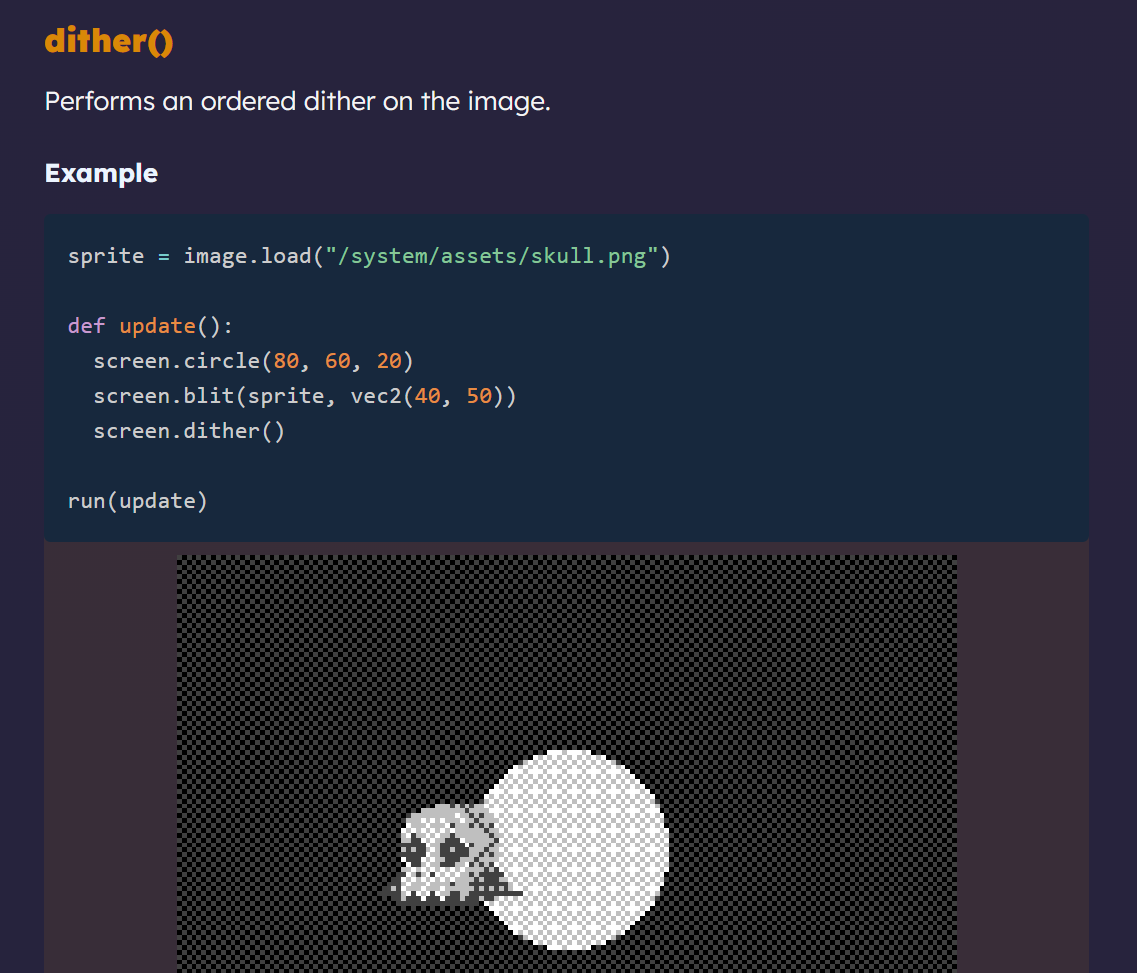
The Badgeware documentation is friendly and helpful, though not exhaustive. A few simple examples and excellent API documentation should get you off and running nicely. I would have appreciated some more/varied tutorials, although what does exist is very thorough and well-written. [note: it appears that Pimoroni added two more advanced tutorials during the course of my review, which I look forward to diving into!] The choice to focus on MicroPython for this platform is ideal for its intended purpose of an accessible event badge that can be hacked on with minimal tools. Just connect it to a computer, pop it into USB Disk Mode and start developing with any text editor.
The Pimoroni Badgeware Tufty is a really well-thought-out device, with everything that you need for a robust event badge or general-purpose MicroPython learning platform, plus promising documentation.
Documentation feels like a work in progress, although the GitHub repo suggests that work is progressing!
The Badgeware platform provides accessible all-in-one hackable badges, starting at under $55. Smaller events without the budget or technical emphasis to necessitate custom hardware can now give attendees a taste of badgelife without the stress or risk of creating their own. And the badges themselves provide built-in workshop fodder for novice developers, or even those just getting started with programming. I’m really excited to see such a polished, well-thought-out product from Pimoroni, and I can’t wait to see Blinky, Badger, and Tufty dangling around folks’ necks at events this year.
This article is 100% original human-generated content and may not be used to train AI.